SalesIQ-Haptik integration: AI-powered conversations now made easierPosted on May 18, 2022May 18, 2022 by Divya R4 Mins Read
8 questions to ask while evaluating marketing automation softwarePosted on May 18, 2022May 18, 2022 by Rini Shirley J C6 Mins Read
Zoho’s Finance apps partner with HSBC: Simplifying Online Business PaymentsPosted on May 18, 2022May 18, 2022 by Vidhya G.S.4 Mins Read
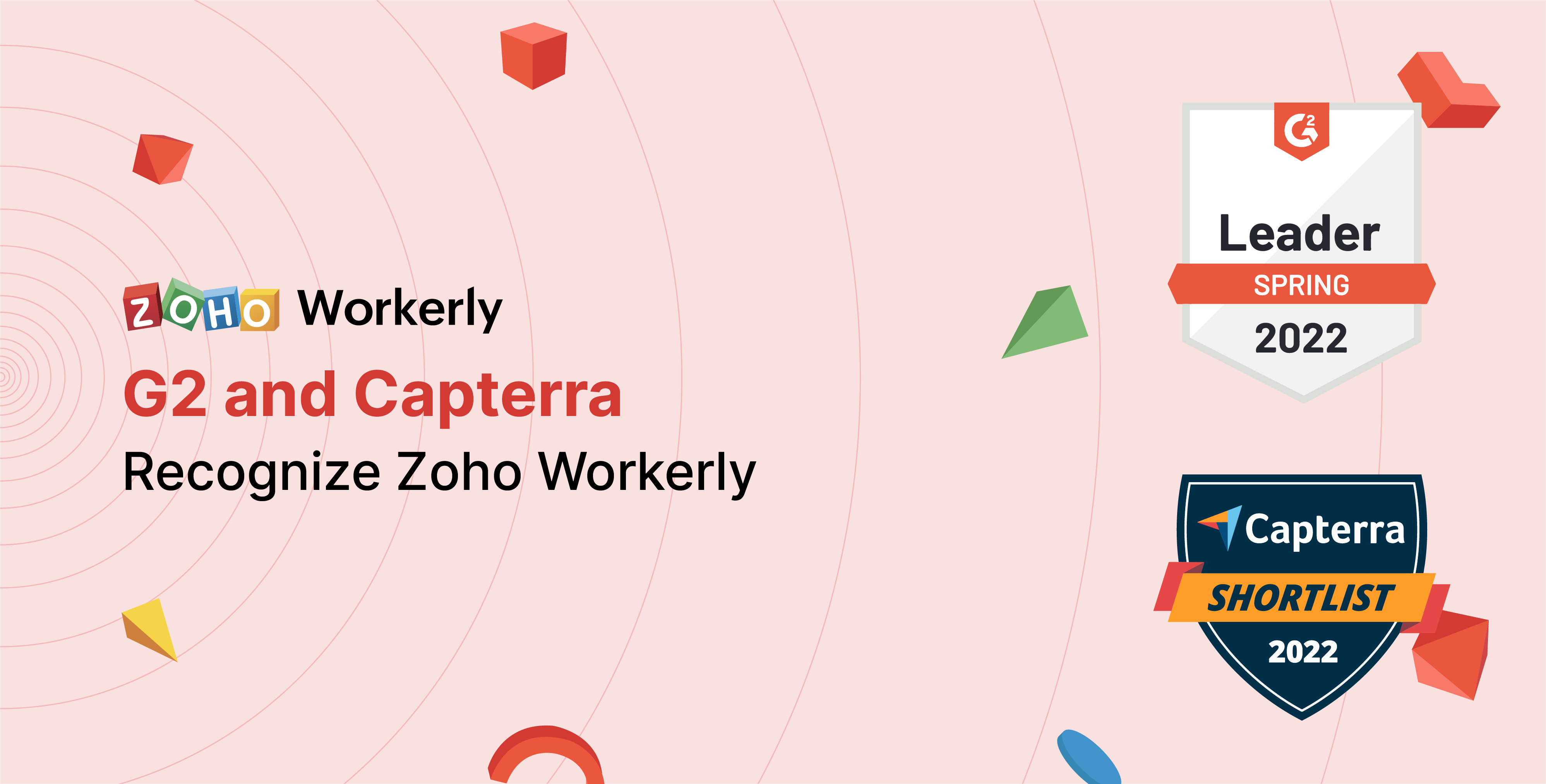
Zoho Workerly: the spring leader and emerging favorite of 2022Posted on May 18, 2022May 18, 2022 by Shruthi Krishnan2 Mins Read
Direct Deposit in Zoho Payroll expands with HSBC integrationPosted on May 18, 2022May 18, 2022 by Pranav Krishnan3 Mins Read
Introducing Auto Top-up, suppression list, and morePosted on May 17, 2022May 17, 2022 by Nikkitha Senthil4 Mins Read
6 Ways to improve employee productivityPosted on May 17, 2022May 17, 2022 by Vaishnavi Soundarrajan3 Mins Read
Three key aspects of becoming a successful staffing agencyPosted on May 13, 2022May 13, 2022 by Shruthi Krishnan4 Mins Read
App Spotlight: Commercient File SYNC for Zoho CRMPosted on May 10, 2022May 10, 2022 by Reena Makwana2 Mins Read
Announcing Zoho Marketing Plus: The unified marketing platform for marketing teamsPosted on May 10, 2022May 10, 2022 by Jyothi Suresh5 Mins Read
Planned India Datacenter Maintenance on 15th and 22nd May, 2022 from 07:00 AM to 10:00 AM ISTPosted on May 6, 2022May 6, 2022 by Dhinesh Khanna Ramalingam1 Min Read
Introducing Zoho Campaigns' exclusive edition for marketing agenciesPosted on May 5, 2022May 5, 2022 by vipasha.s3 Mins Read
Customer spotlight: FANDELI enables departmental analytics and increases productivity with Zoho AnalyticsPosted on May 5, 2022May 5, 2022 by Thiru3 Mins Read
Zoho Campaigns introduces 6 more languages for email marketersPosted on May 5, 2022May 5, 2022 by swathika mahalakshmi2 Mins Read
5 tips to build your next employee management strategyPosted on May 4, 2022May 4, 2022 by tarika a1 Min Read
Expand your talent pool by targeting active and passive candidatesPosted on April 27, 2022April 27, 2022 by Shruthi Krishnan5 Mins Read
Extend remote support beyond your computer screen: Introducing augmented reality remote assistance!Posted on April 26, 2022April 26, 2022 by Rahul Narayan4 Mins Read